


Python多线程实现双LED同时点亮详解

发布时间:2026-10-13 |
6人浏览过
本文介绍如何利用Python多线程技术实现两个LED灯同时点亮。通过继承threading.Thread类创建独立线程分别控制蓝灯(引脚13)和红灯(引脚12),避免Shell脚本的繁琐操作。文章提供了详细的GPIO接线方案及完整Python代码,展示线程创建、启动及资源清理的全过程,适用于毕业设计中的多传感器并发执行场景。
在进行毕业设计开发时,需要实现对多个传感器的并发执行。起初考虑过调用
light_red()
和
light_blue()函数,并尝试在两个不同的Shell脚本中同时运行它们,但这种方法操作过于繁琐。随后发现使用Python多线程技术可以让程序实现真正的并发执行。
具体实施步骤如下:
系统包含两个LED灯,分别为蓝色和红色。
蓝色LED的正极连接至GPIO引脚13,负极接地(引脚14)。
红色LED的正极连接至GPIO引脚12,负极同样接地(引脚14)。
具体实现代码如下:
#!/usr/bin/python
# -*- coding: UTF-8 -*-

import RPi.GPIO as GPIO
import threading
import time

class led_blue(threading.Thread): #继承父类threading.Thread
 def __init__(self, threadID, name, counter):
  threading.Thread.__init__(self)
  self.threadID = threadID
  self.name = name
  self.counter = counter
 def run(self):     #把要执行的代码写到run函数里面 线程在创建后会直接运行run函数
  print "Starting " + self.name
  led_blue_on()
  print "Exiting " + self.name

class led_red (threading.Thread): #继承父类threading.Thread
 def __init__(self, threadID, name, counter):
  threading.Thread.__init__(self)
  self.threadID = threadID
  self.name = name
  self.counter = counter
 def run(self):     #把要执行的代码写到run函数里面 线程在创建后会直接运行run函数
  print "Starting " + self.name
  led_red_on()
  print "Exiting " + self.name

def led_blue_on():
 PIN_NO=13
 GPIO.setmode(GPIO.BOARD)
 GPIO.setup(PIN_NO, GPIO.OUT)
 GPIO.output(PIN_NO,GPIO.HIGH)

def led_red_on():
 PIN=12
 GPIO.setmode(GPIO.BOARD)
 GPIO.setup(PIN, GPIO.OUT)
 GPIO.output(PIN,GPIO.HIGH)

# 创建新线程
thread1 = led_blue(1, "light_blue_on_on", 1)
thread2 = led_red(2, "light_red_on", 2)

# 开启线程
thread1.start()
thread2.start()

print "Exiting Main Thread"
time.sleep(20)
GPIO.cleanup()
实际运行效果如图所示(注:原图像素较低):
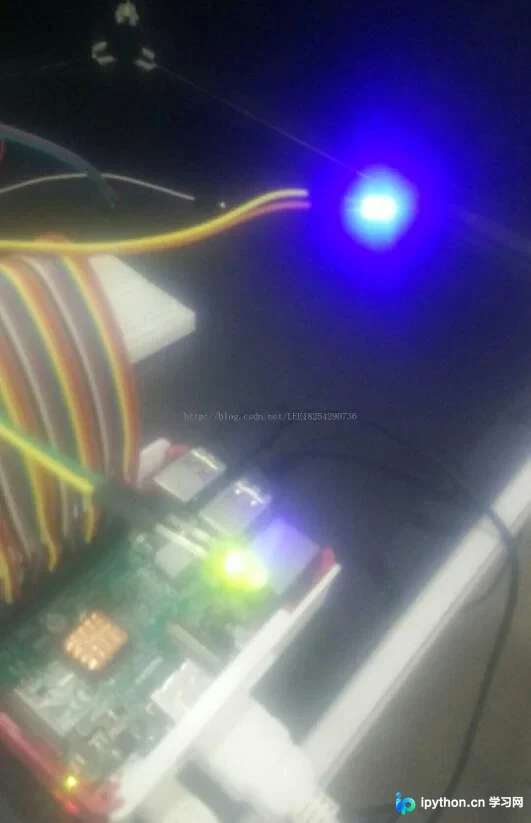
以上关于使用Python多线程并发控制两个LED同时点亮的完整内容已分享完毕,希望能为读者提供参考,并欢迎大家继续支持本站。
本站声明
本文内容仅供参考,不代表本站观点。转载或引用请注明出处。如发现内容问题,请通过联系我们页面反馈。















