


Python pygame新手入门基础教程

本文介绍如何使用Python pygame库创建游戏窗口、处理事件循环、设置背景色及渲染文字,并详细讲解多边形、直线、圆形、椭圆和矩形的绘制方法,帮助新手快速掌握pygame基础功能。
pygame简介
pygame是Python中用于实现游戏开发的基础库。
pygame实现窗口
首先调用init()函数进行初始化,该函数类似于Java类的初始化方法,用于启动pygame环境。
pygame.init()
接着设置屏幕尺寸,例如通过参数(500, 400)设定初始窗口大小为500像素宽、400像素高,其中0和32为较高级的可选参数。
surface = pygame.display.set_mode((500, 400), 0, 32)
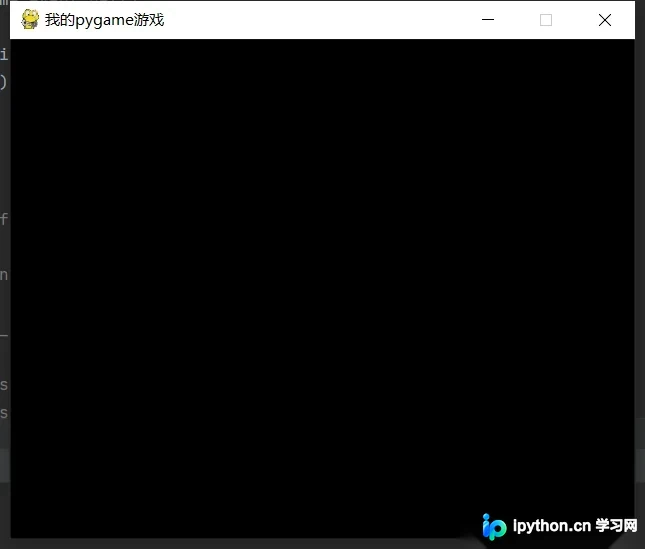
若不处理pygame事件,窗口可能会一闪而过。因此需要捕获事件,若未检测到退出操作,则保持窗口持续运行,以便展示不同内容。
pygame.display.set_caption("我的pygame游戏")
使用set_caption方法设置窗口标题。
import pygame, sys
from pygame.locals import *

pygame.init()

surface = pygame.display.set_mode((500, 400), 0, 32)
pygame.display.set_caption("我的pygame游戏")

while True:
    for event in pygame.event.get():
        if event.type == QUIT:
            pygame.quit()
            sys.exit()
设置屏幕背景色
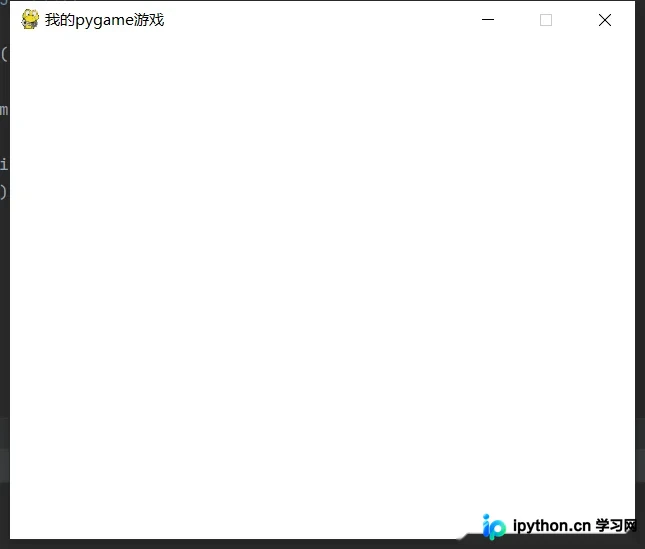
将背景颜色设置为(255, 255, 255),随后更新屏幕以应用更改。
# 设置背景颜色
surface.fill((255, 255, 255))
# 更新屏幕
pygame.display.update()
添加文字
首先获取Font对象,渲染该对象,然后设定文本位置。通过pygame.font.SysFont(None, 40)获取文字对象,并使用render方法将其渲染为surface对象。render方法的第一个参数是文字内容,第二个参数决定是否去除锯齿,第三和第四个参数分别指定文字颜色和背景颜色。最后,通过blit方法将文字渲染到屏幕上。注意,渲染操作必须在填充屏幕背景色之后进行,否则文字会被覆盖。
# 获取字体对象
basicFont = pygame.font.SysFont(None, 40)
# surface对象
text = basicFont.render('秀儿', True, (255,255,255), (0,255,0))
# 设置文本位置
textRect = text.get_rect()

textRect.centerx = surface.get_rect().centerx
textRect.centery = surface.get_rect().centery
# 将渲染的surface对象更新到屏幕上
surface.blit(text,textRect)
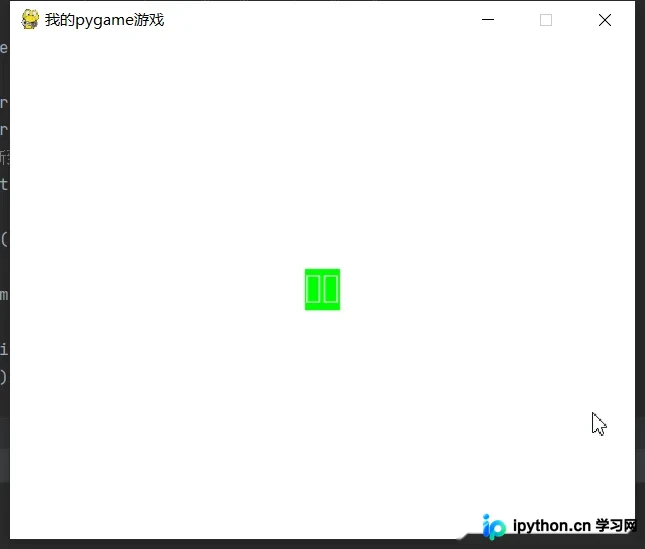
如上图所示,若中文显示乱码,可获取系统字体,并将其中一种中文字体设置为默认字体以解决该问题。
# 获取当前系统字体
fonts = pygame.font.get_fonts()
print(fonts)
完整代码
import pygame,sys
from pygame.locals import *


pygame.init()

surface = pygame.display.set_mode((500, 400), 0, 32)
pygame.display.set_caption("我的pygame游戏")
surface.fill((255, 255, 255))

# 获取字体对象
basicFont = pygame.font.SysFont("方正粗黑宋简体", 48)
# surface对象
text = basicFont.render('秀儿', True, (255,255,255), (0,255,0))
# 设置文本位置
textRect = text.get_rect()

textRect.centerx = surface.get_rect().centerx
textRect.centery = surface.get_rect().centery
# 将渲染的surface对象更新到屏幕上
surface.blit(text,textRect)

pygame.display.update()
while True:
    for event in pygame.event.get():
        if event.type == QUIT:
            pygame.quit()
            sys.exit()
绘制多边形
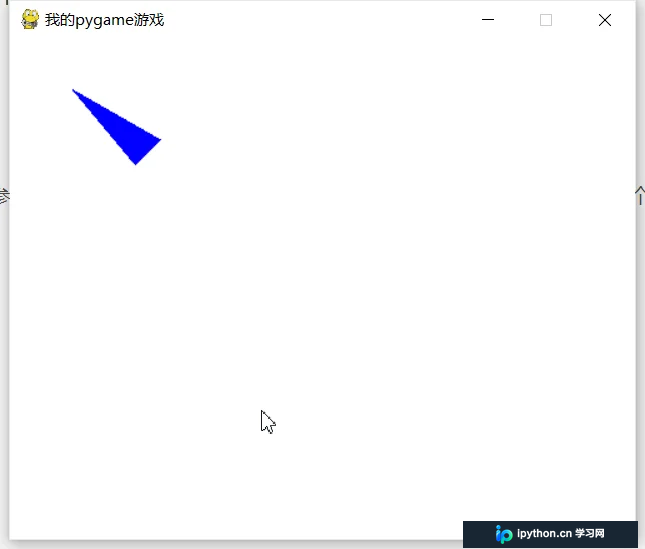
使用polygon函数绘制多边形,第一个参数为屏幕对象,第二个参数为颜色,第三个参数为由点组成的元组序列,最后一个点需与第一个点一致以闭合图形。
import pygame,sys
from pygame.locals import *


pygame.init()

surface = pygame.display.set_mode((500, 400), 0, 32)
pygame.display.set_caption("我的pygame游戏")
surface.fill((255, 255, 255))

pygame.draw.polygon(surface, (0, 0, 255), ((50, 40), (100, 100), (120, 80), (50, 40)))

pygame.display.update()
while True:
    for event in pygame.event.get():
        if event.type == QUIT:
            pygame.quit()
            sys.exit()
绘制直线
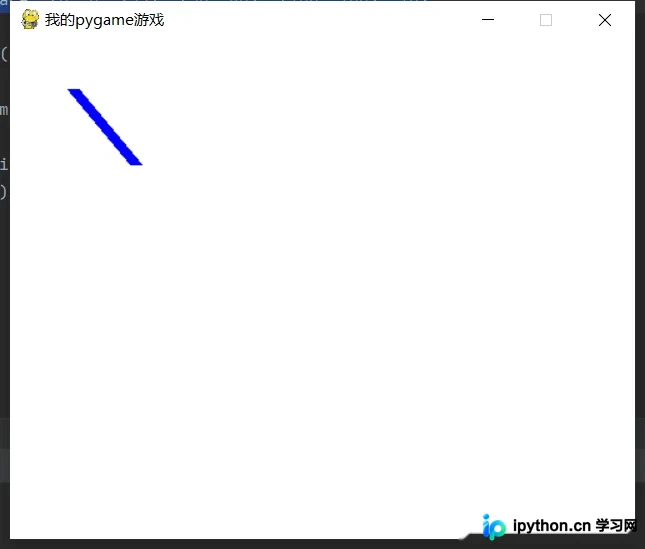
使用line方法绘制直线,第一个参数为屏幕对象,后续参数依次为颜色和两个端点坐标,最后一个参数指定线条宽度。
pygame.draw.line(surface, (0, 0, 255), (50, 40), (100, 100), 10)
绘制圆形
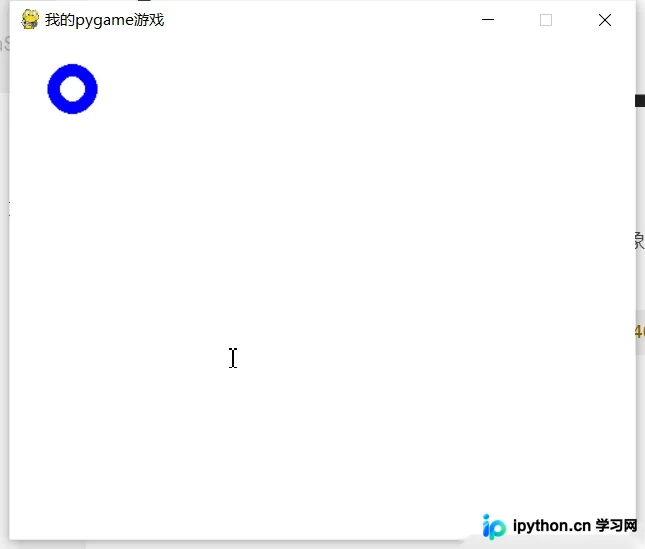
使用circle函数绘制圆形,前两个参数分别为屏幕对象和颜色,随后指定圆心和半径,最后一个参数表示线条宽度;若设置为0,则绘制实心圆。
pygame.draw.circle(surface, (0, 0, 255), (50, 40), 20, 10)
绘制椭圆
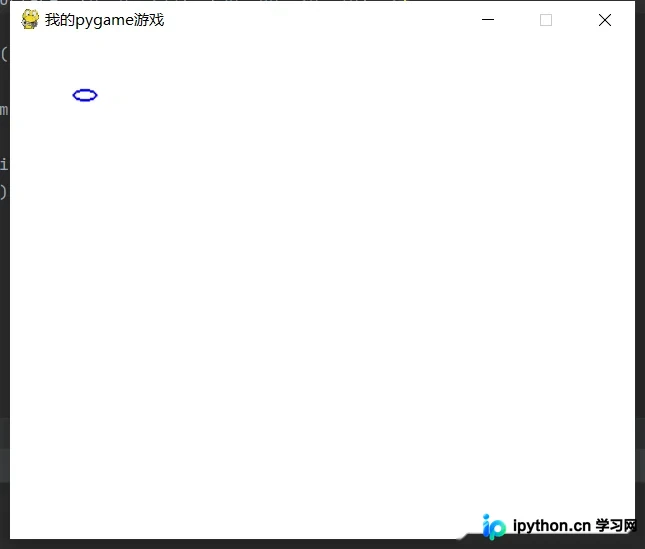
前两个参数同上,第三个参数分别指定x轴和y轴的左上角坐标,随后指定x和y方向的半径,最后一个参数为线条宽度。
pygame.draw.ellipse(surface, (0, 0, 255), (50, 40, 20, 10), 2)
绘制矩形
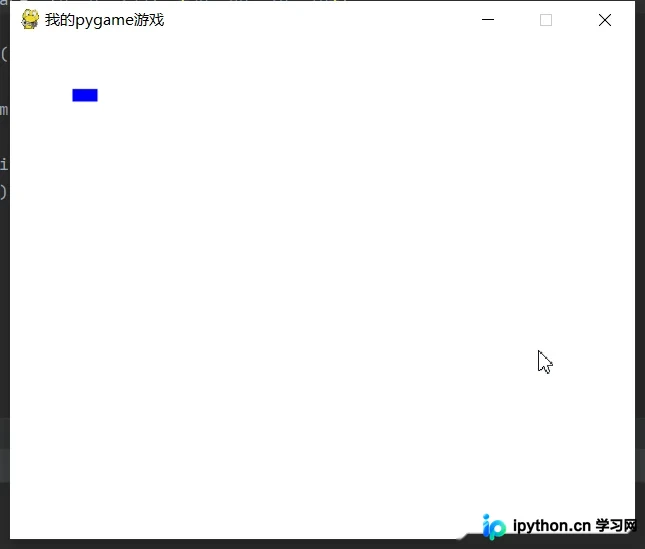
使用rect函数绘制矩形,前两个参数同上,第三个参数分别指定左上角和右下角坐标。
pygame.draw.rect(surface, (0, 0, 255), (50, 40, 20, 10))
总结
到此这篇关于Python pygame新手入门基础教程的文章就介绍到这了,更多相关Python pygame基础教程内容请搜索本站以前的文章或继续浏览下面的相关文章希望大家以后多多支持本站!
本站声明
本文内容仅供参考,不代表本站观点。转载或引用请注明出处。如发现内容问题,请通过联系我们页面反馈。















