


Python face_recognition实现AI识别图片中的人物

本文详细介绍Python face_recognition库在Windows环境下的安装配置,涵盖dlib与OpenCV的依赖处理。通过官方示例代码解析人脸特征提取与比对流程,重点讲解compare_faces方法的tolerance参数调整策略,帮助开发者解决相似脸型识别误差问题,实现准确的人脸检测应用。
前言
近期在处理照片识别需求时,使用了face_recognition项目,特此分享。该项目功能丰富,包含人脸检测等成熟模块。项目GitHub仓库地址为:。
本文重点介绍该项目的安装与使用方法,后续将更新一篇自行编写的人脸检测代码,供直接调用。
环境安装
首先参考官方提供的人脸识别效果演示。
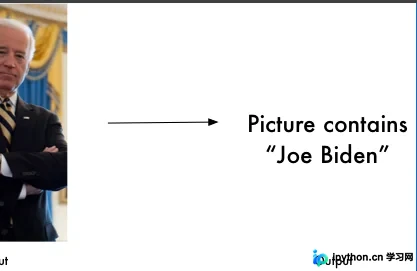
查看README文档中的环境安装说明。

官方文档支持Mac和Linux系统,但本文旨在演示如何在Windows系统中进行安装,请继续阅读。

尽管Windows非官方支持系统,但仍可安装,核心依赖为dlib。接下来开始安装步骤。
直接安装requirements_dev.txt中列出的依赖,注意移除pip前缀。
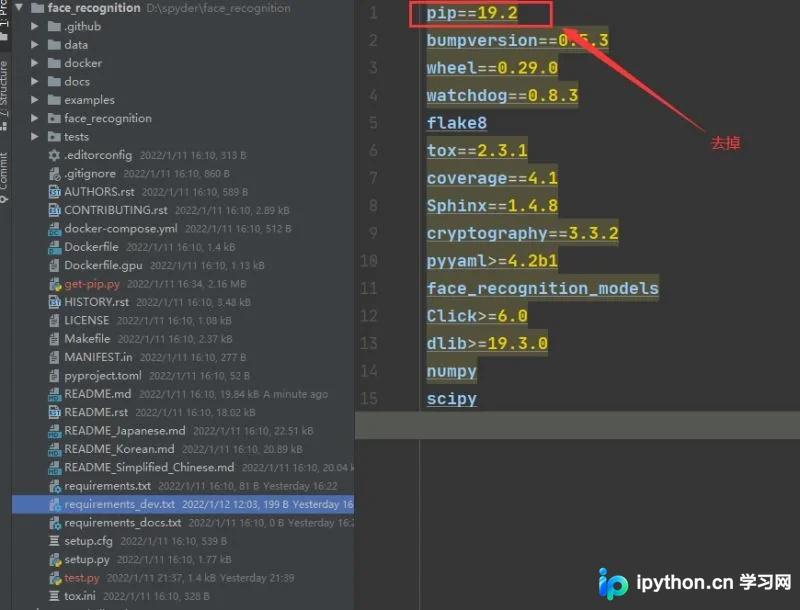
安装dlib时可能报错,需预先安装cmake,安装命令如下:
pip install cmake -i https://pypi.douban.com/simple此外,项目还需安装opencv-python,安装命令如下:
pip install opencv-python -i https://pypi.douban.com/simple代码使用
说明:运行face_recognition时,可选择安装命令行工具模式,或通过导入face_recognition模块编写代码运行。为便于二次开发,本文先尝试代码方式,主要测试人脸识别模块。
官方示例代码如下:
import face_recognition

# Load the jpg files into numpy arrays
biden_image = face_recognition.load_image_file("biden.jpg")
obama_image = face_recognition.load_image_file("obama.jpg")
unknown_image = face_recognition.load_image_file("obama2.jpg")

# Get the face encodings for each face in each image file
# Since there could be more than one face in each image, it returns a list of encodings.
# But since I know each image only has one face, I only care about the first encoding in each image, so I grab index 0.
try:
    biden_face_encoding = face_recognition.face_encodings(biden_image)[0]
    obama_face_encoding = face_recognition.face_encodings(obama_image)[0]
    unknown_face_encoding = face_recognition.face_encodings(unknown_image)[0]
except IndexError:
    print("I wasn't able to locate any faces in at least one of the images. Check the image files. Aborting...")
    quit()

known_faces = [
    biden_face_encoding,
    obama_face_encoding
]

# results is an array of True/False telling if the unknown face matched anyone in the known_faces array
results = face_recognition.compare_faces(known_faces, unknown_face_encoding)

print("Is the unknown face a picture of Biden? {}".format(results[0]))
print("Is the unknown face a picture of Obama? {}".format(results[1]))
print("Is the unknown face a new person that we've never seen before? {}".format(not True in results))
代码解析:
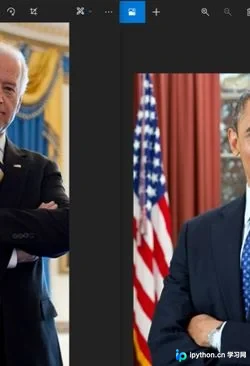
1、首先将两张已知人脸的数据添加至known_faces列表中。
2、随后使用未知图像数据进行识别判断。
查看加入known_faces的照片。
查看需要识别的目标照片。
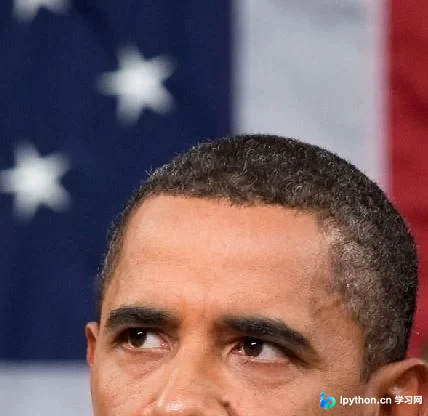
查看执行结果。
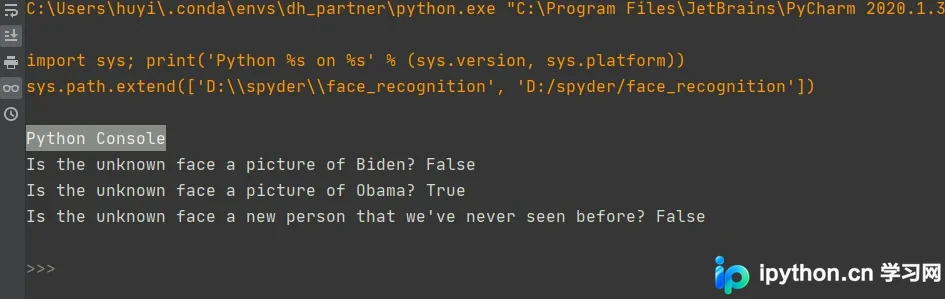
结果显示拜登识别为false,奥巴马识别为true。需注意compare_faces方法的参数设置。
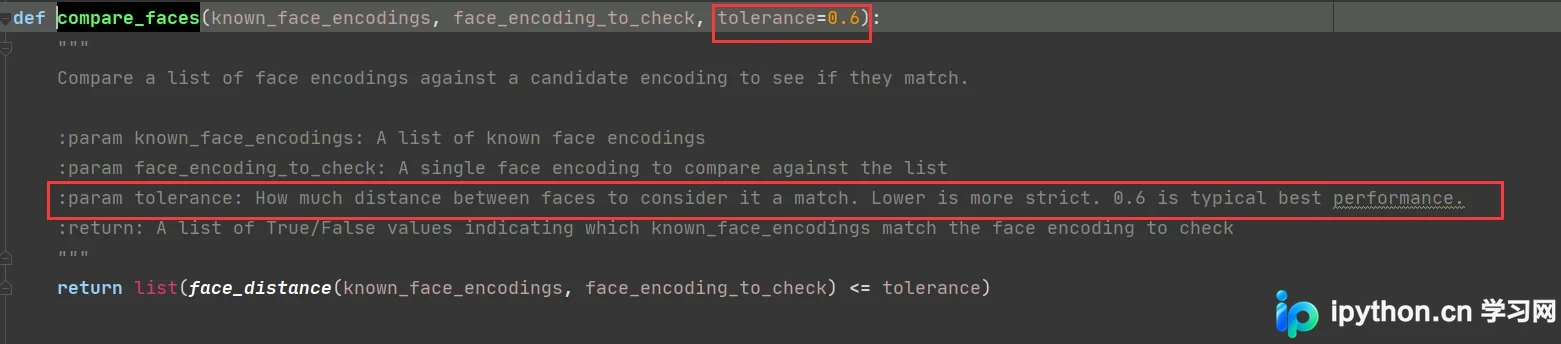
参数tolerance最佳值约为0.6,数值越低识别越严格,可根据实际需求进行调整。
总结
经多次测试,在脸型较为接近的情况下仍存在误差,需根据具体场景调整参数。
本文关于Python face_recognition实现AI识别图片中人物的介绍到此结束,更多相关Python face_recognition人脸识别内容请搜索本站以前的文章或继续浏览下面的相关文章,希望大家以后多多支持本站!
本站声明
本文内容仅供参考,不代表本站观点。转载或引用请注明出处。如发现内容问题,请通过联系我们页面反馈。















